of
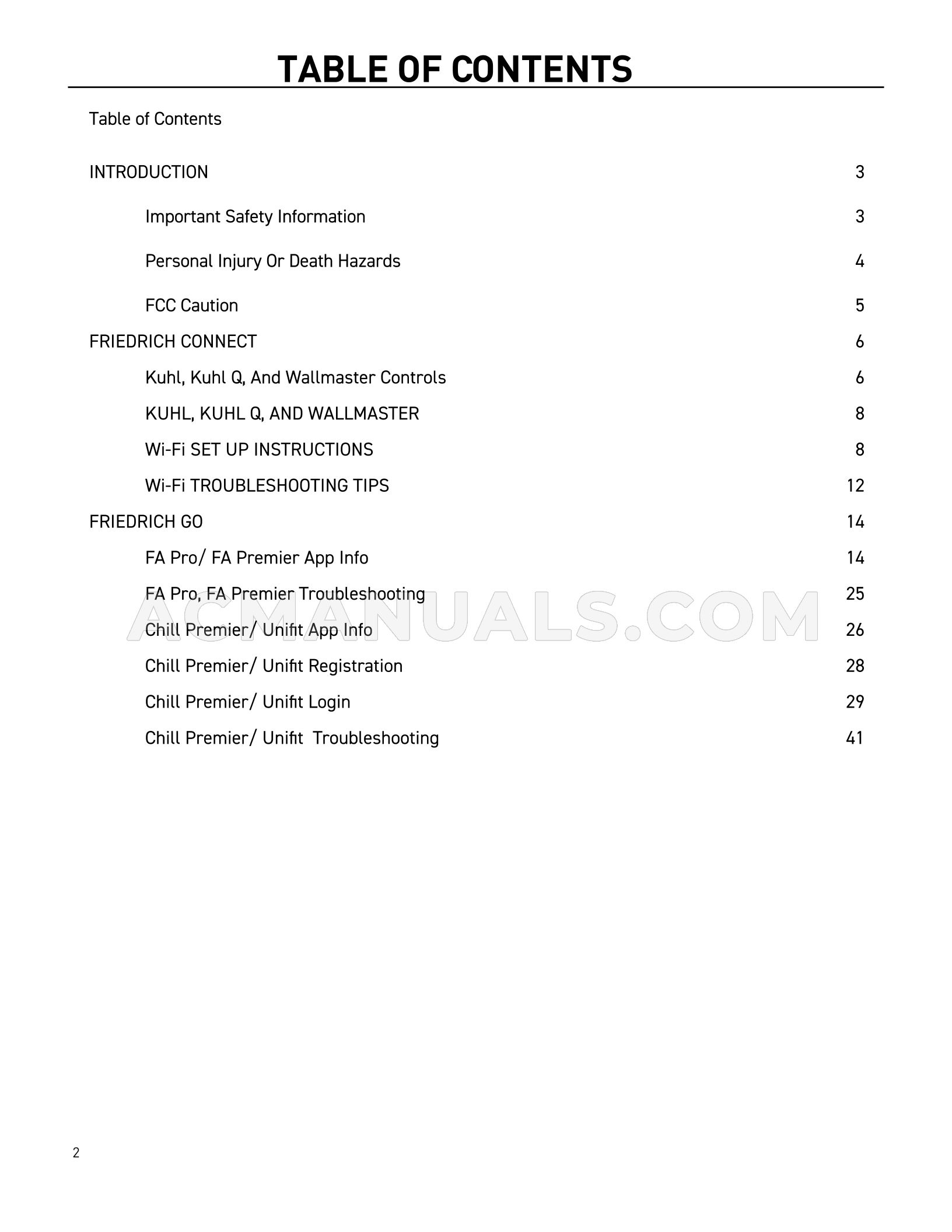
Contents
- 8
- 6
- 41

Information
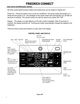
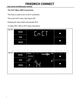
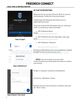
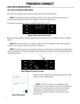
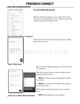
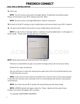
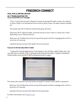
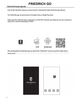
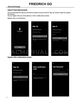
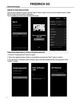
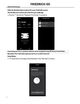
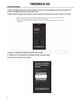
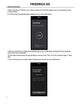
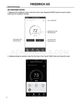
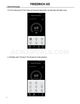
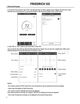
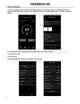
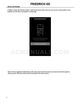
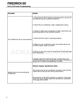
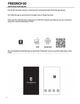
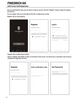
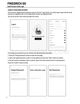
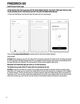
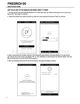
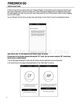
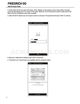
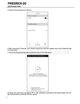
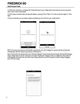
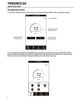
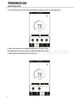
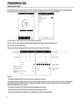
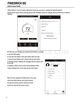
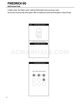
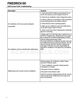
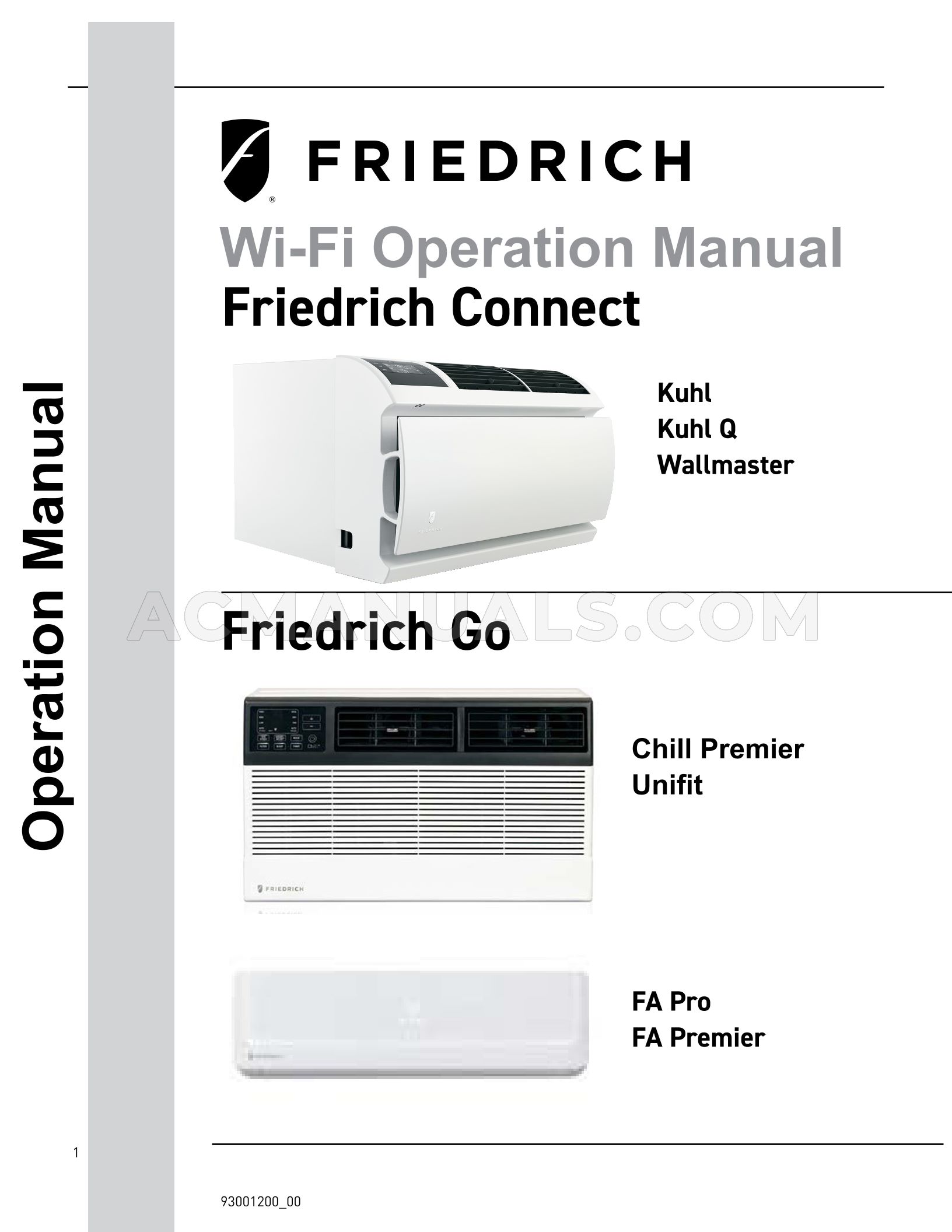
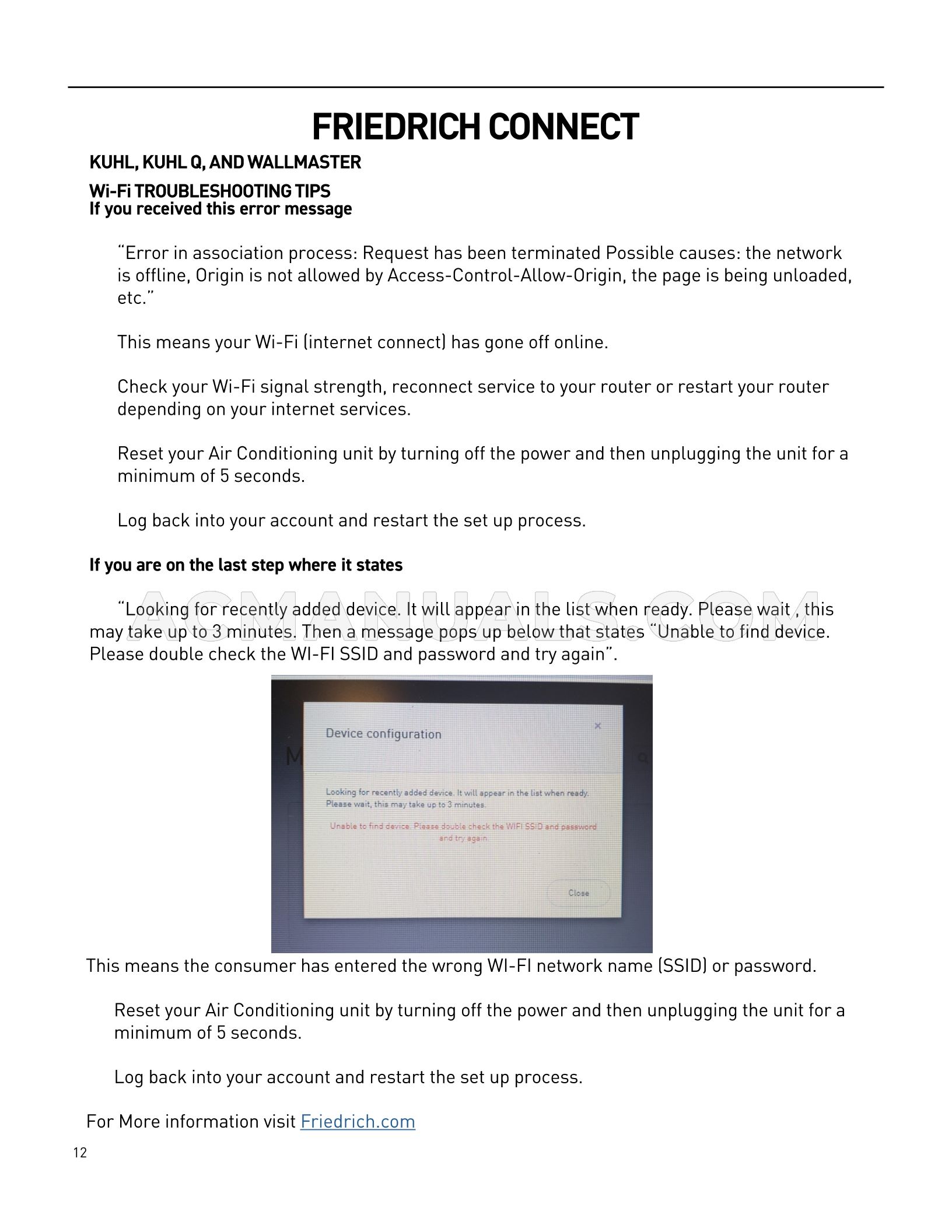
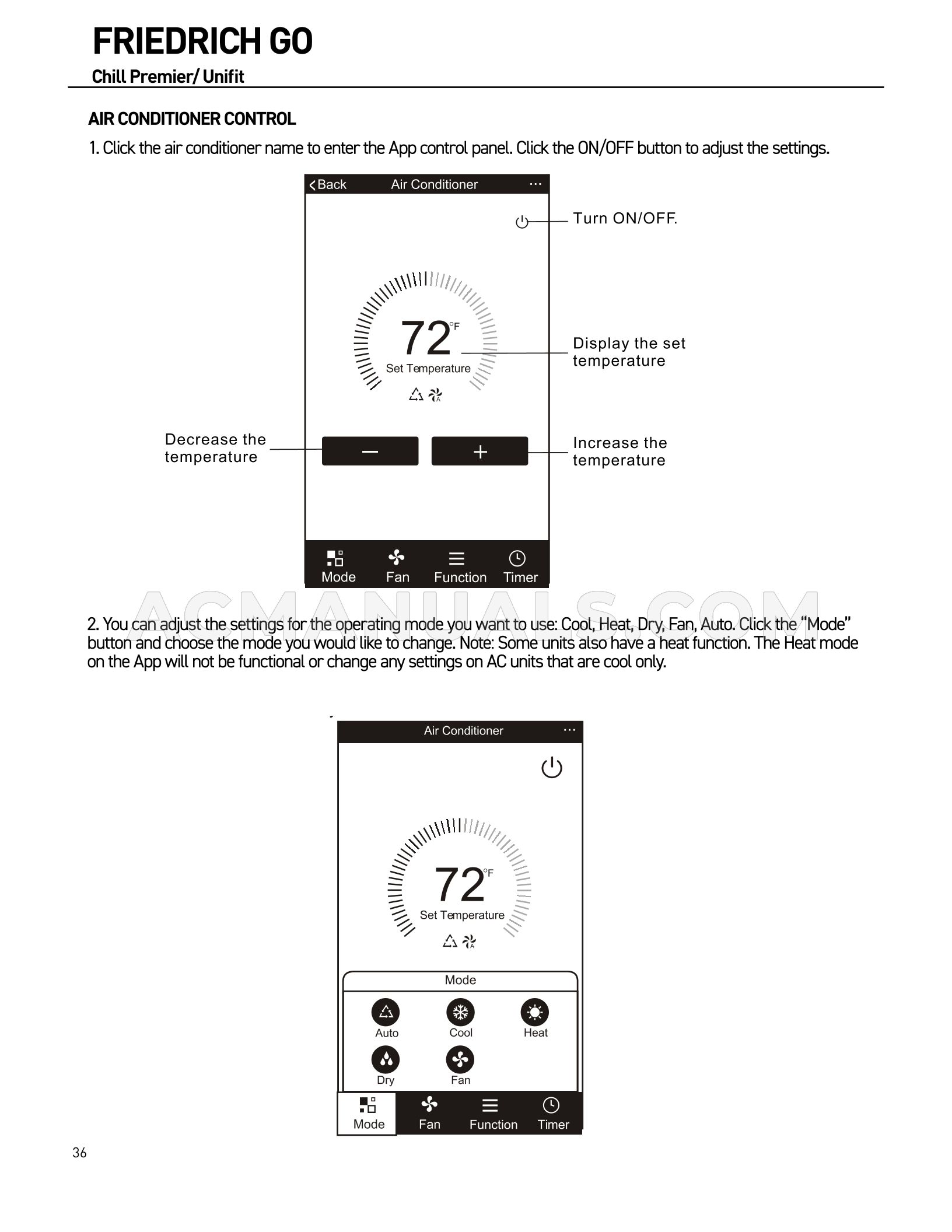
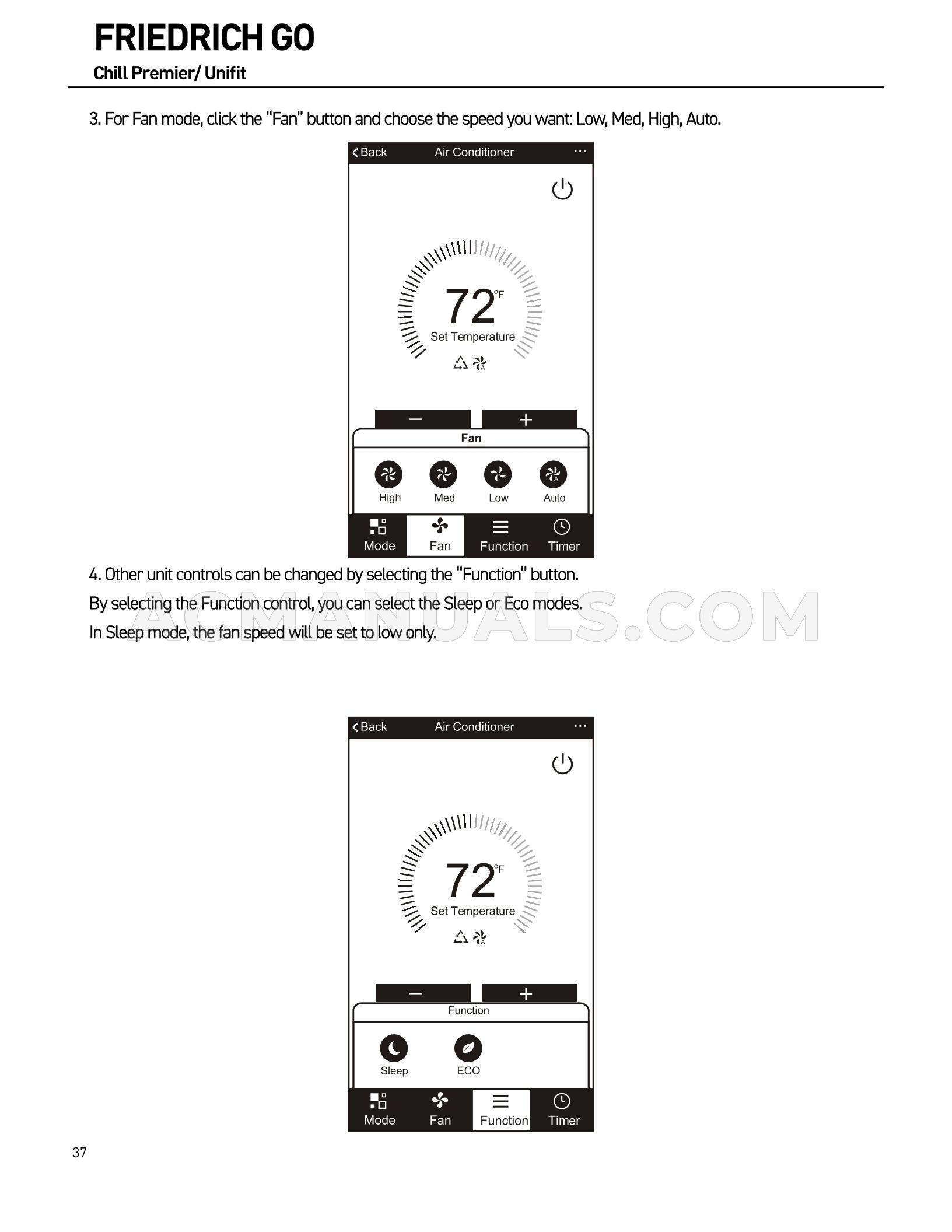
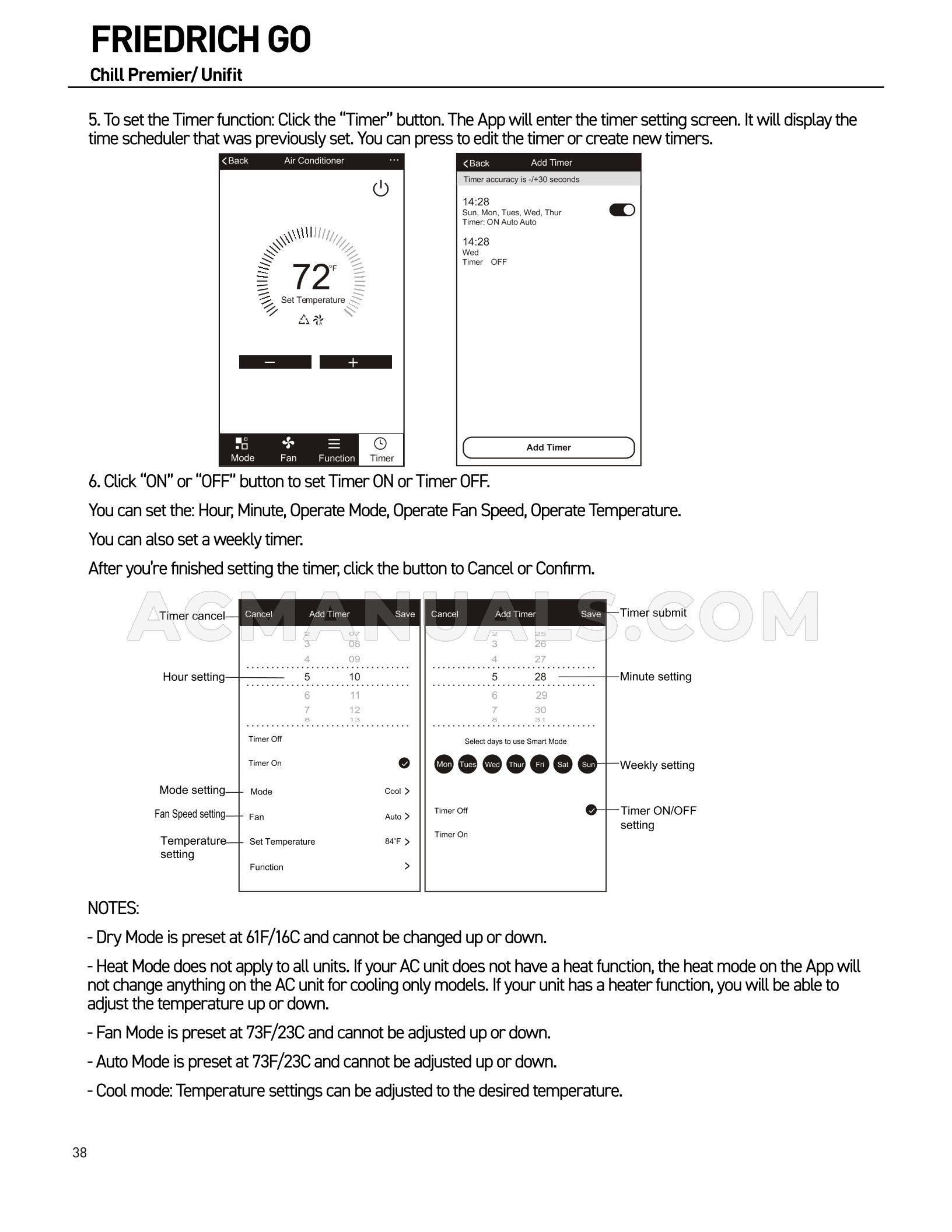
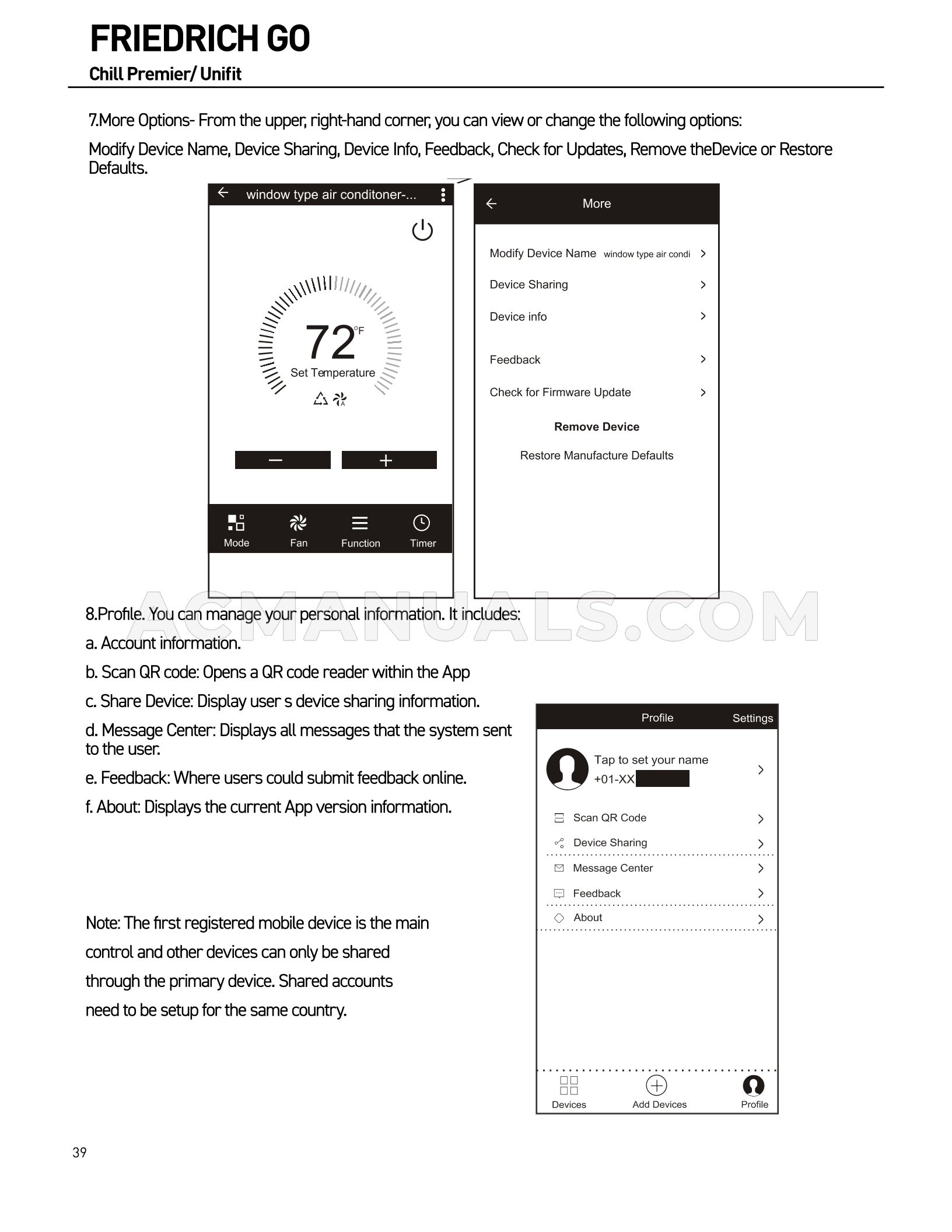
The Friedrich CCW24B30A Chill Premier series window and wall air conditioner comes with a Wi-Fi operation manual that shows you how to connect your air conditioner to the FriedrichConnect app. The manual explains the different features of the app, such as remote control, scheduling, and usage reports. With the FriedrichConnect app, you can control your air conditioner from anywhere, as long as you have an internet connection. You can also turn your air conditioner on/off, adjust the temperature, and set the fan speed. The manual provides step-by-step instructions on how to connect your air conditioner to Wi-Fi and troubleshoot any connection issues. It also explains how to use the app, including features like Smart Home Integration and Group Management. Overall, the Wi-Fi operation manual helps you get the most out of your Friedrich air conditioner.